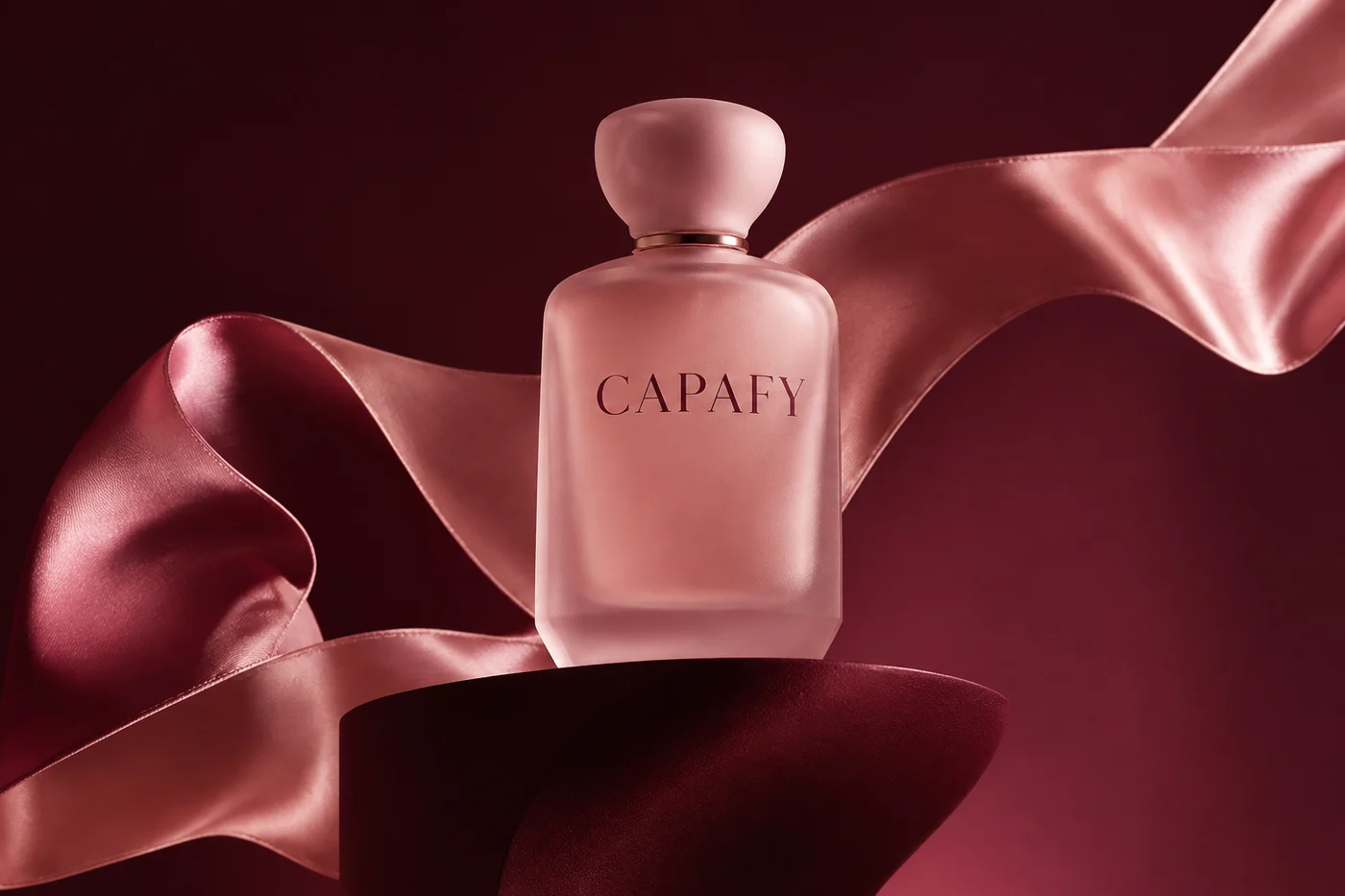
Campaign imagery
A considered product scene, created from a text prompt.
Try PNGGPT IMAGE 2.6 · NOW ON CAPAFY AI
Meet GPT Image 2.6 on Capafy AI. Create product visuals, shape a new brand direction, animate a playful idea, or turn a simple concept into a scalable vector.
Create with Image 2.6These examples were generated with GPT Image 2.6 through Capafy AI’s generation provider. The GIF is animated; the SVG is a vector original.
A considered product scene, created from a text prompt.
Try PNG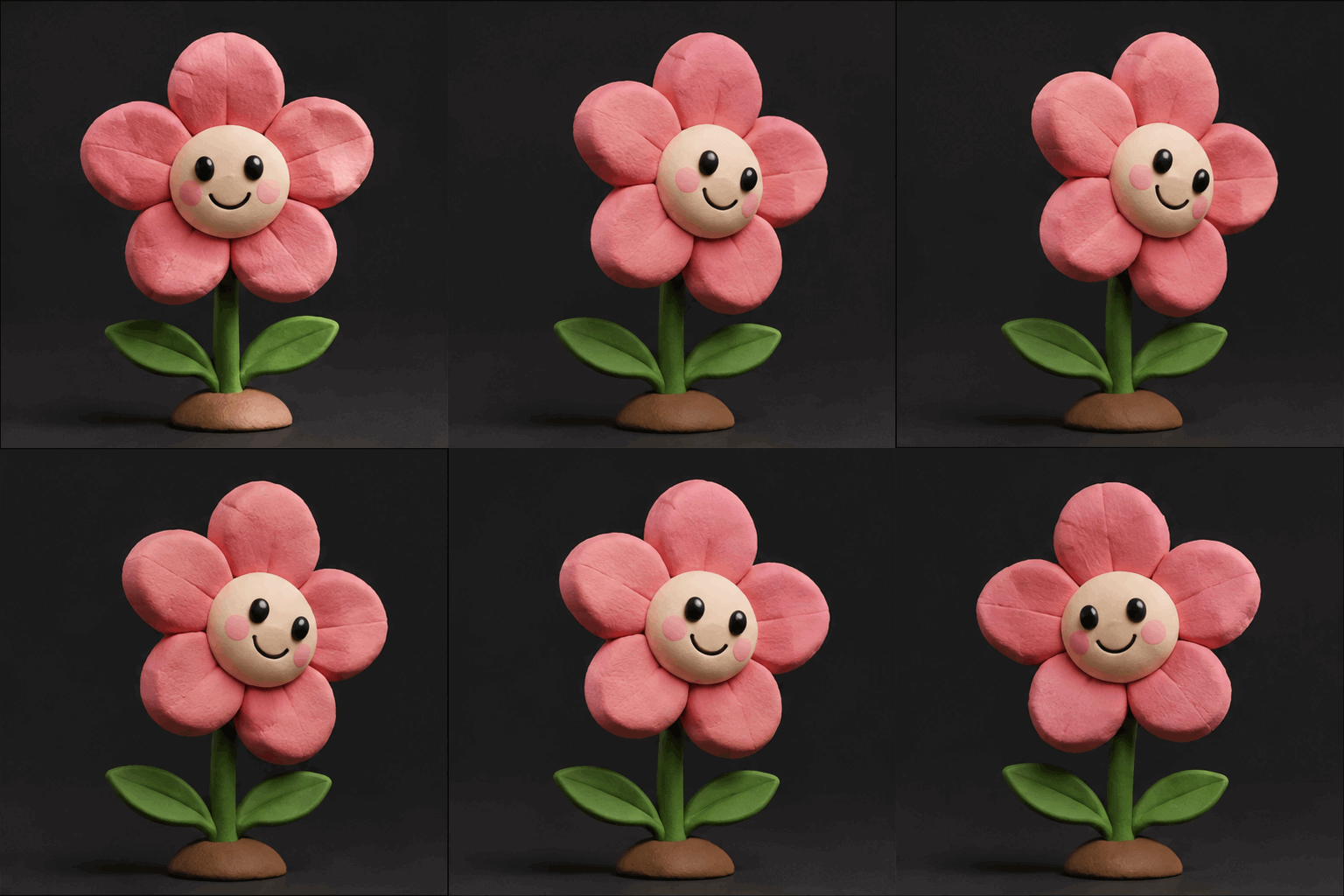
A short, looping animation, generated as a GIF.
Try GIF
A clean geometric emblem, delivered as an SVG.
Try SVGGPT Image 2.6 is an image creation and editing model with Flare and Sunburst variants. In Capafy AI, you can generate PNG, JPEG, and WebP still images, create animated GIFs, or export static SVG vector artwork. Both variants support the same format controls.
Move quickly from a first idea to a visual direction. Choose Flare for fast iterations, posters, and everyday image creation.
Spend more attention on detail and consistency. Choose Sunburst for considered compositions and reference-guided image edits.
Describe a scene from scratch or add up to 16 reference images for a still-image edit. Explain which product, character, colors, or details should carry through.
Choose low, medium, or high rendering quality and a separate planning level. Use lighter planning for a focused idea and more planning for layered compositions or typography.
Use PNG, JPEG, or WebP for still images; GIF for a short loop; SVG for a scalable logo concept, icon, or flat illustration.
Capafy AI updates the credit quote for your model, format, dimensions, quality, prompt, and references. The displayed credits are charged once when the job is submitted to generation.
Start with Flare or Sunburst. Choose a still image, GIF, or SVG according to the asset you need.
Include the subject, composition, style, and lighting. For a GIF, describe one simple looping movement; for SVG, start with clear shapes and a restrained palette.
Review the credit quote, then generate. Find your result in your private library and download the original format. SVG uses a PNG preview while preserving the vector download.
Yes. Select GIF in Capafy AI to create a text-prompt animation with nine 512 × 512 frames at 200 ms per frame. GIF currently accepts text prompts only, without reference images.
Yes. Select SVG for a static vector output. The service creates an image reference and then authors SVG paths with a text model. The original SVG is downloadable; its in-app preview is PNG. SVG currently accepts text prompts only.
Yes, for PNG, JPEG, and WebP output. Upload supported reference images and explain what to change or preserve. GIF and SVG output currently do not accept references.
Still images and SVG offer 1K, 2K, and 4K resolution presets with 15 aspect ratios. Actual pixel dimensions depend on the ratio. GIF uses 512 × 512 frames.
Flare is the default for rapid creation and iteration. Sunburst emphasizes detail and editing consistency. Both expose the same output formats and controls in Capafy AI.
Choose your settings in the creation panel to see the current credit quote. GIF, SVG, higher quality, longer prompts, and reference images can change the quote. Purchase a subscription or prepaid credits if your balance is insufficient.
Start with a sentence. Choose the format your idea deserves.
Create with Image 2.6